How do I adjust exposure on my (touchscreen) camera phone?
You can follow along even if you just have a camera phone, though it must be one of the more modern touchscreen phones.
Camera phones have limited manual controls and they won’t typically let you adjust exposure using the +1 EV / -1 EV scale.
Instead, they let you adjust exposure by selecting spots to expose for:
1. Point your camera at a well-lit daylight scene.
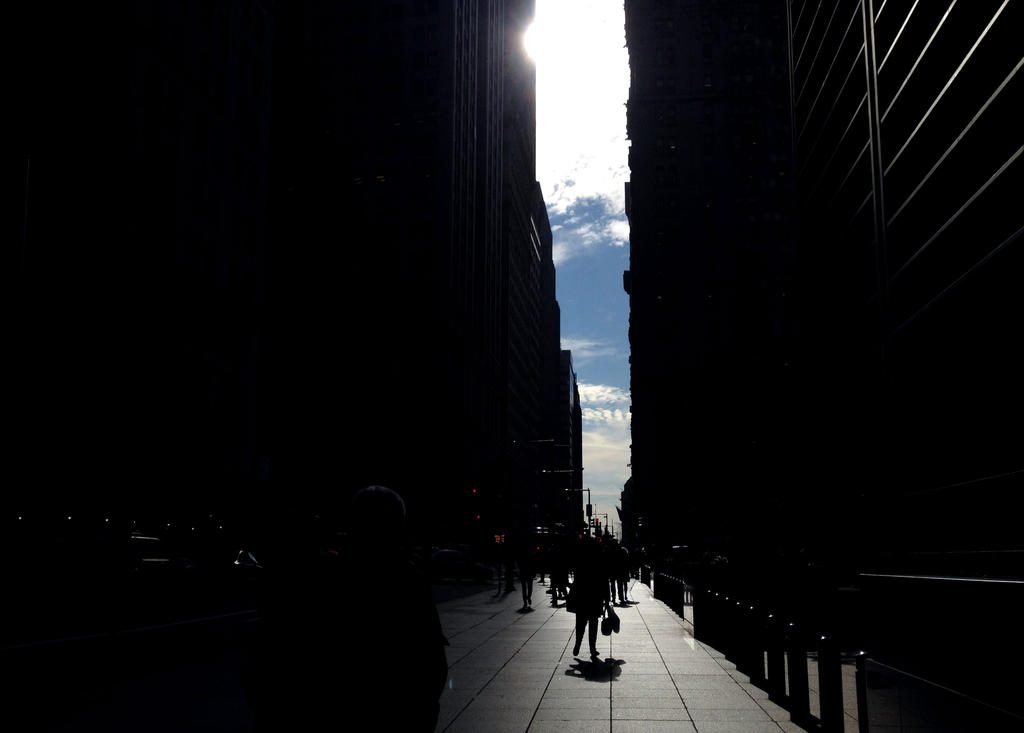
Without doing anything, your camera should calculate an exposure for the scene. Dark areas will be in total shadow. Details in the lightest areas will be “blown out.”
2. Touch one of the lightest areas, such as a cloud.
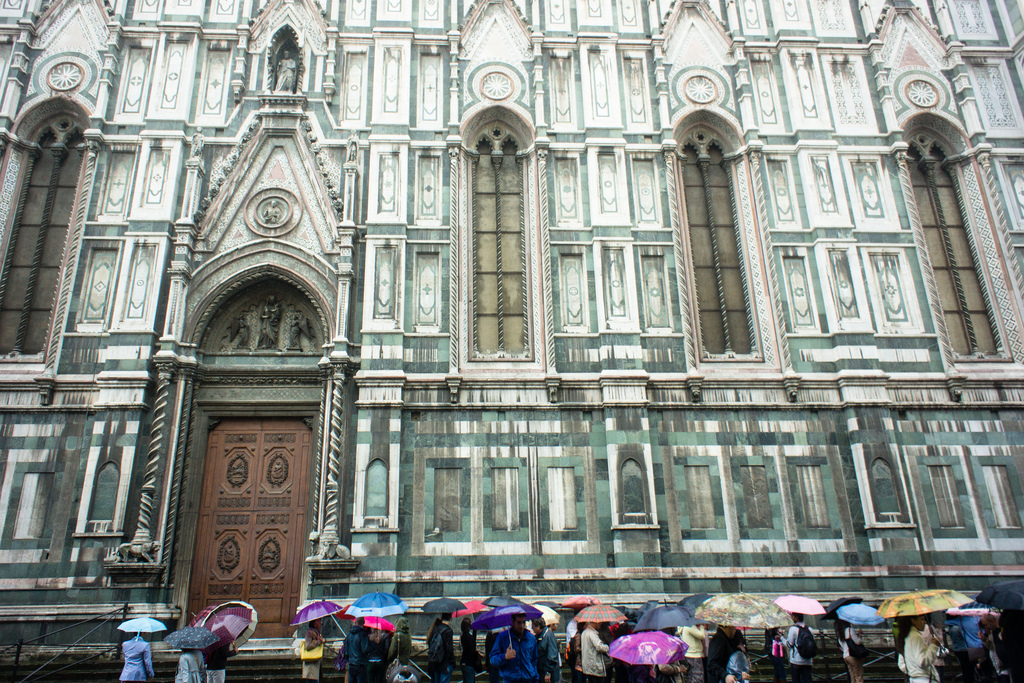
The overall scene should darken. Your camera is now exposing for the highlights, letting you see detail in the lightest areas while blacking out the details in the relatively darker areas.
3. Touch one of the darkest areas, such as a cloud.
The overall scene should lighten. Your camera is now exposing for the shadows, letting you see detail in the darkest areas at the expense of blowing out the detail in all of the relatively lighter areas.
One thing to keep in mind: The touch-selection will also change the focal point of the image so try to pick a spot that not only brings a desired exposure, but is near to where you what sharp details. The Camera+ app for the iPhone lets you separate focus and exposure selection.