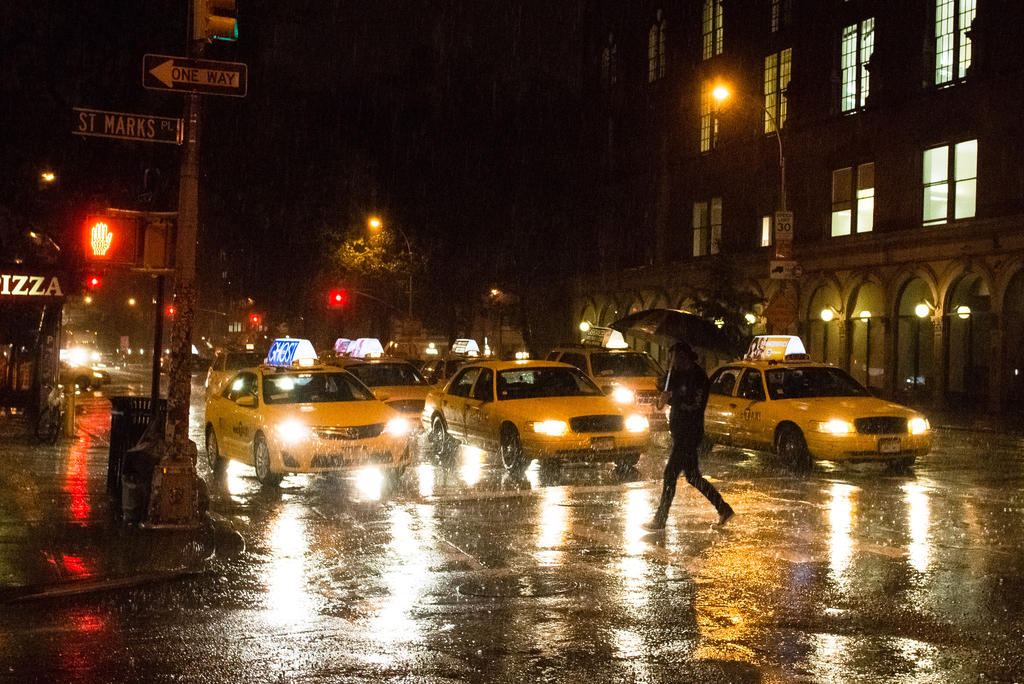
I’m guilty of over-underexposing my photos. I like how shadows provide texture and ambiguity to an image. More importantly, when there’s not enough light, sometimes you just have to underexpose in order to get a clean, usable photo.
As we learned in the lesson on exposure, underexposing a photo means telling your camera that you want less light than the camera thinks the photo should have. The result is an overall darker scene.
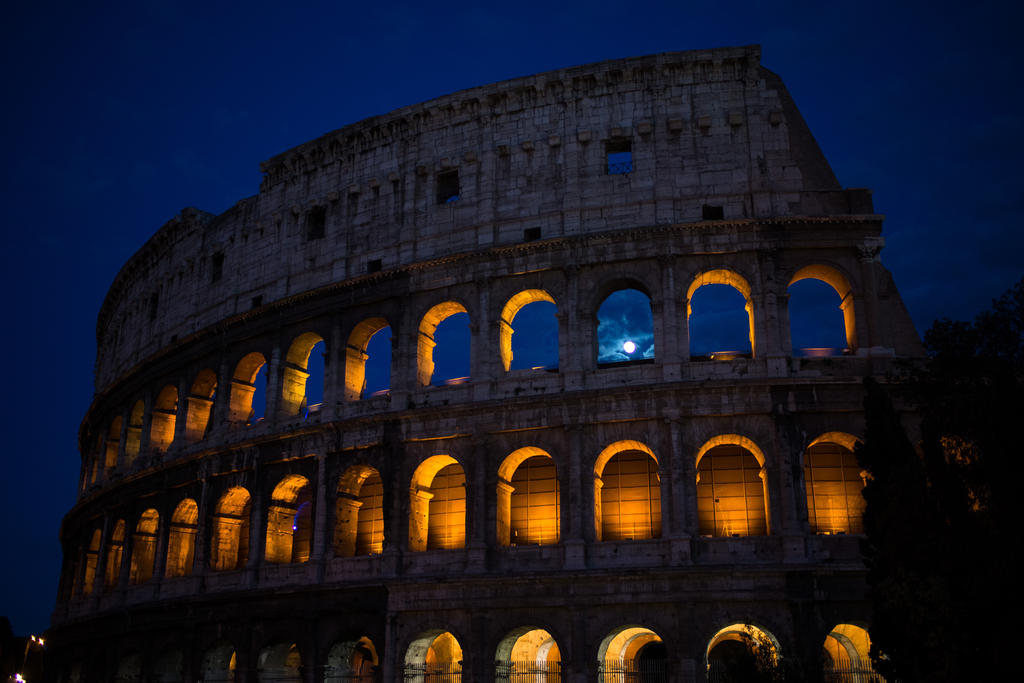
How do you know better than your camera?
There are artistic reasons. But sometimes, you have no choice. In a darkly lit scene, there may not be enough light period to create a well-exposed photo. This is the case when shooting the stars.
If you leave the camera to do what it must to get a well-exposed scene, it will do things to the photo that you do not want:
What happened here? The camera kept its shutter open (we’ll get to that in the shutter speed lesson) for a long time. Long enough that things began to move, causing blur.
If you don’t want blur, then you have the option of making your camera more sensitive to light. Here’s another example:
That noise, pixelation? That’s from the camera setting its sensitivity to light aka ISO, another concept we’ll cover too high.
Sometimes you want these effects: motion blur (also light trails) or noise. But if you don’t, then you’ll need to get used to underexposing your photos.
What do you lose by underexposing a photo?
The whole range of illumination in the photo will shift down. Any details that were in the shadow will be black. What would’ve been midtones will now be shadows. And (some) details in the highlights may be more visible.
What happens when you underexpose in the dark?
Since everything that is dim will be even darker than before, the only things that will be visible will be the actual light sources, which, in the case of star gazing, is just about what you want.
On a more earthly level, street lamps and neon signs will be the pockets and bits of light:
If you don’t underexpose to dramatically, then objects that are close to the light sources will be revealed.
Oooh, mystery!
What happens when you underexpose in a well-lighted scene?
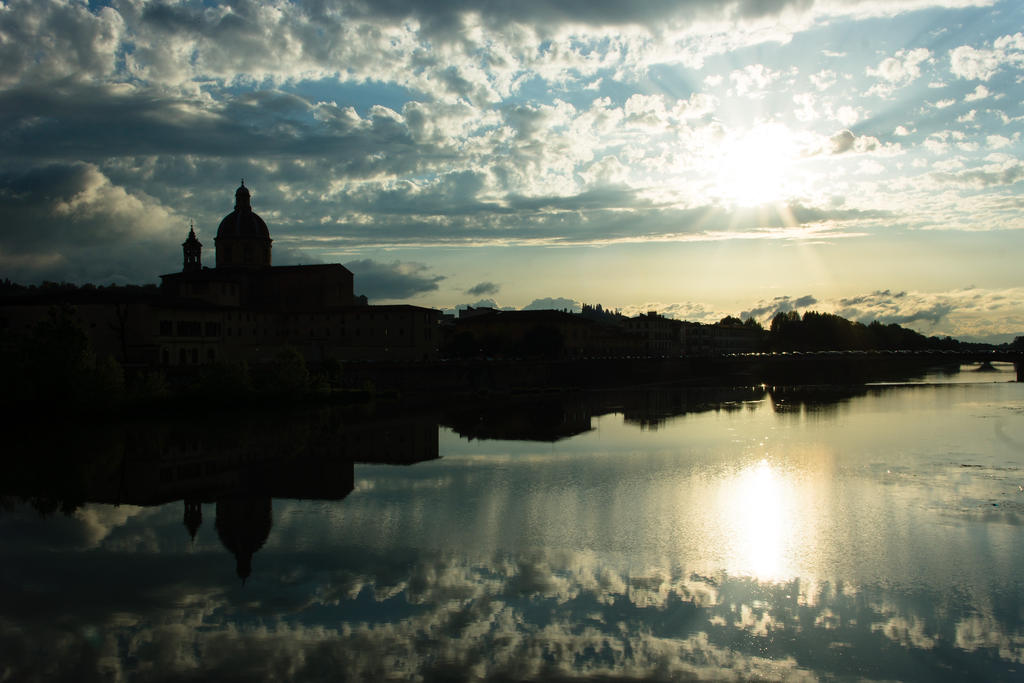
Typically, this situation will come up when the background is overwhelmingly bright, such as an a clear day at noon. Anything that isn’t in the direct path of light will be dim by comparison.
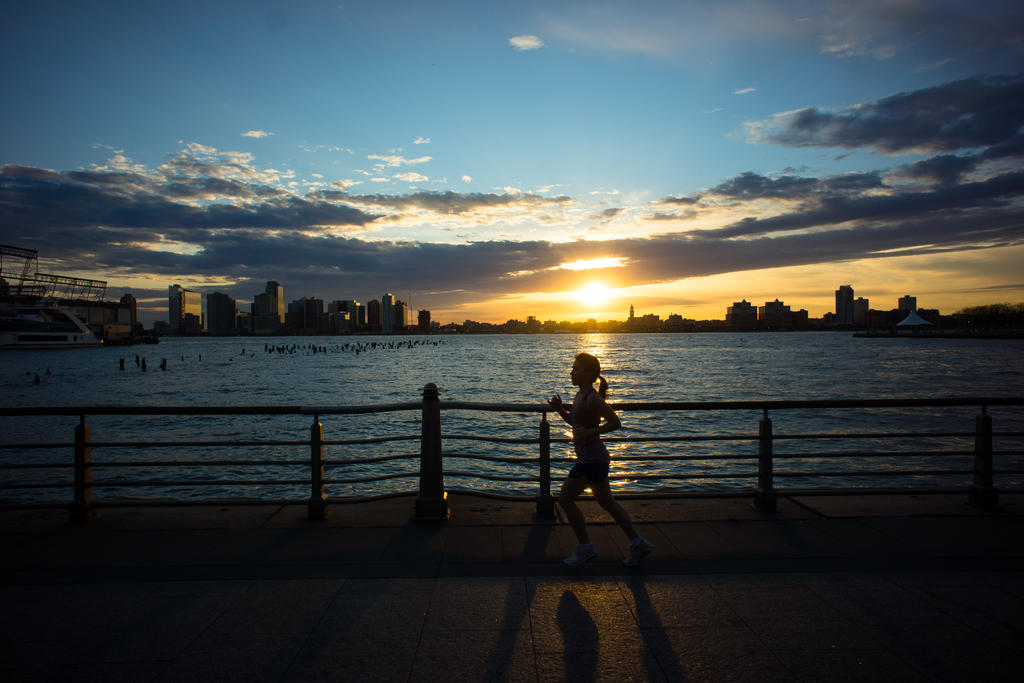
Sometimes, these dim details will be distracting. So, underexpose to make those dim areas black. Now you have silhouettes:
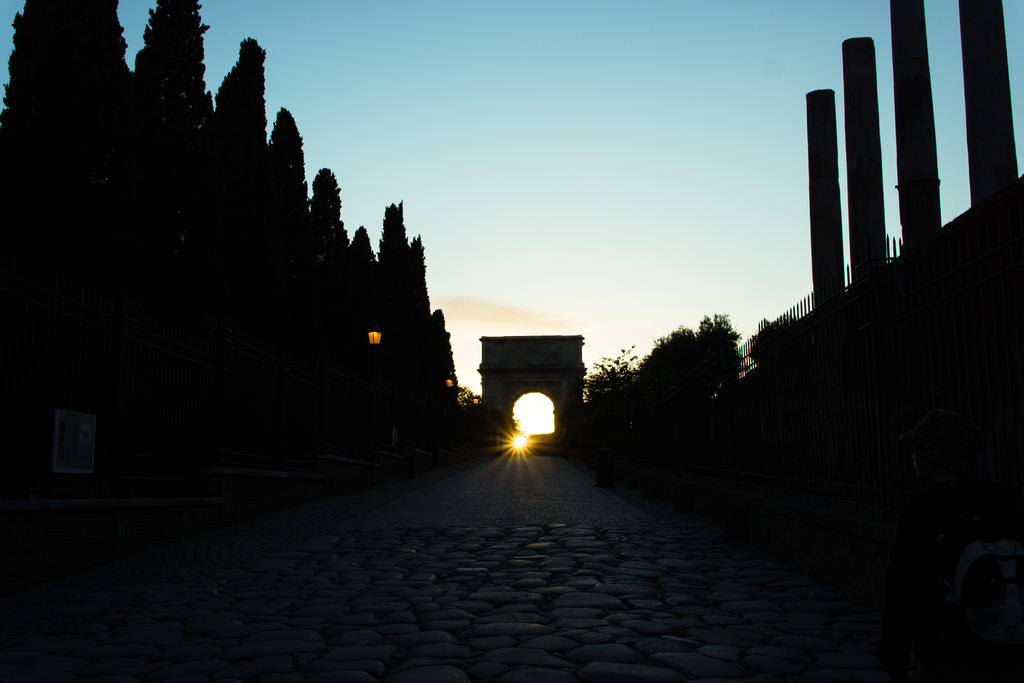
If your photo assignment is to get a photo of a building or a scene or a landscape and there’s so many damn tourists in the way
So when wouldn’t you want to underexpose?
This is all at your discretion and it depends on the goal of the photo. But it’s pretty simple, don’t underexpose when your goal is to get a clear, lit photo of the subject. For a corporate portrait, for example, the dark and mysterious photo with creepy shadows may not be desirable.
I underexposed when I shouldn’t have; what can I do?
As with any undesirable effect, you have the option to fix it in post-processing in a program such as Photoshop.
But keep in mind that you can’t create detail where the camera captured none. If your camera captured black, it’s not as if it’s hiding some detail there that is waiting to be uncovered by PhotoShop or CSI’s cute plucky tech expert.
Isn’t it better to play it safe then, and not underexpose?
Again, it depends on the situation. Photoshop may not be able to recover all of the darkened detail, but if you have to slow your shutter speed to a point where the details you want are a blur, then there is no way to fix that. There’s not even much room to make it look artistic. So, in that case, it’s better to bump up the ISO and underexpose.
You do have some leeway if you shoot with RAW files, an option available in most expensive cameras (and some cheaper ones too). These pack more detail into each pixel, allowing you to recover as much as a full stop or more of light. The tradeoff is that the files are massive.
I’ll cover RAW processing in a future chapter.